If a factory reset didn't solve your problem, you can try a manual factory reset to restore your eReader to its original settings.
After a manual factory reset, you'll need to set up and sync your eReader again.
Before you try a manual reset
-
Try the factory reset steps to see if it fixes the problem.
-
Verify which eReader you have.
If you’re not sure what which Kobo eReader you have, follow the steps in this article: Kobo eReader model numbers.
A few things to keep in mind
If you perform a factory reset on your eReader, you will:
- Remove all books from your eReader.
Any books you purchased from Kobo can be re-downloaded after a factory reset. - Remove books you've added to your eReader using your computer.
For example, if you added non-protected PDF and ePub files using your computer, those files will be deleted. - Lose any bookmarks and annotations you've made in your books since you last synced your eReader.
- Sign out of your account on your eReader.
- Reset all of your settings and preferences.
- Return your eReader to its original settings.
Before you start
- Charge your eReader for at least 1 hour.
- Make sure you have access to a Wi Fi connection.
If your eReader screen is blank
If your eReader screen is blank, it may still be powered on or finishing an update.
- If the LED light is flashing, your eReader is turned on.
- If the issue happened recently, wait at least 5 minutes to allow the update to finish.
If you’re ready to continue with the manual factory reset, make sure your eReader is powered off:
- If the LED light is flashing, press and hold the power button for at least 10 seconds.
- Release the power button when the LED turns off.
Your eReader is now powered off, even if the screen doesn’t change. You can continue with the manual factory reset steps below.
Manual factory reset steps
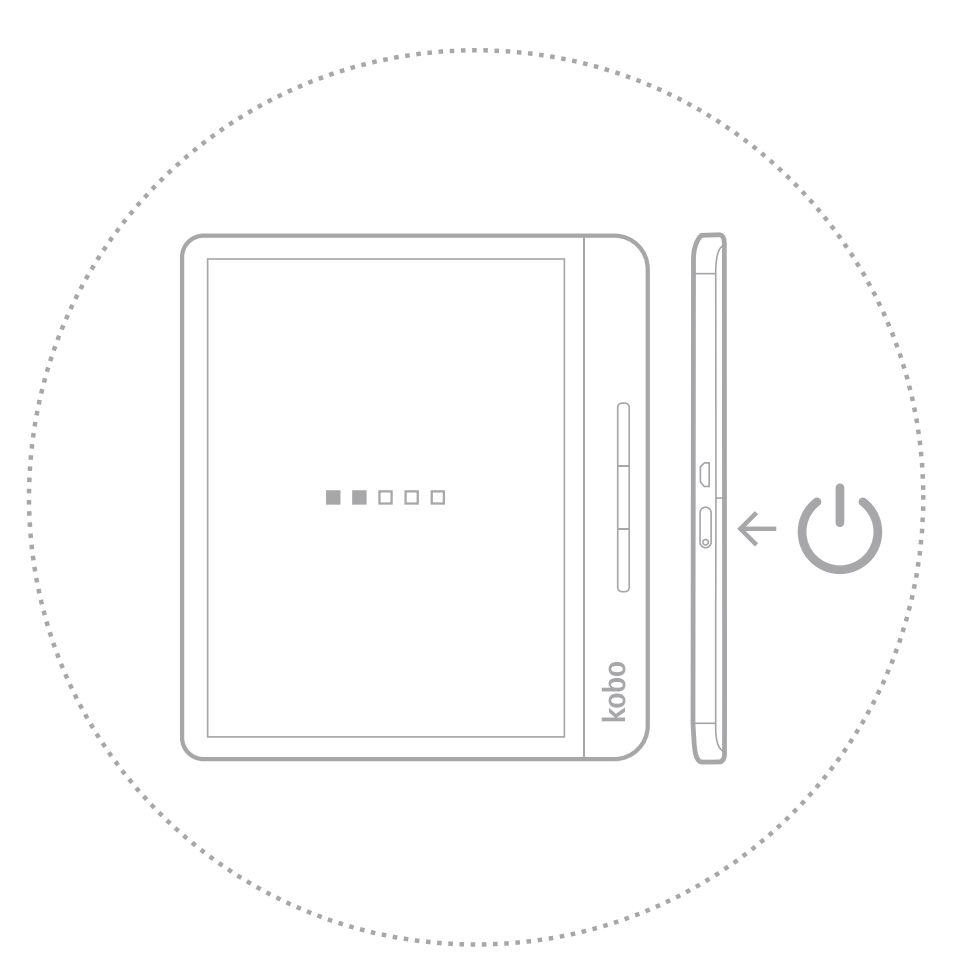
Kobo Forma and Kobo Libra H2O:
Kobo Sage and Kobo Libra 2:
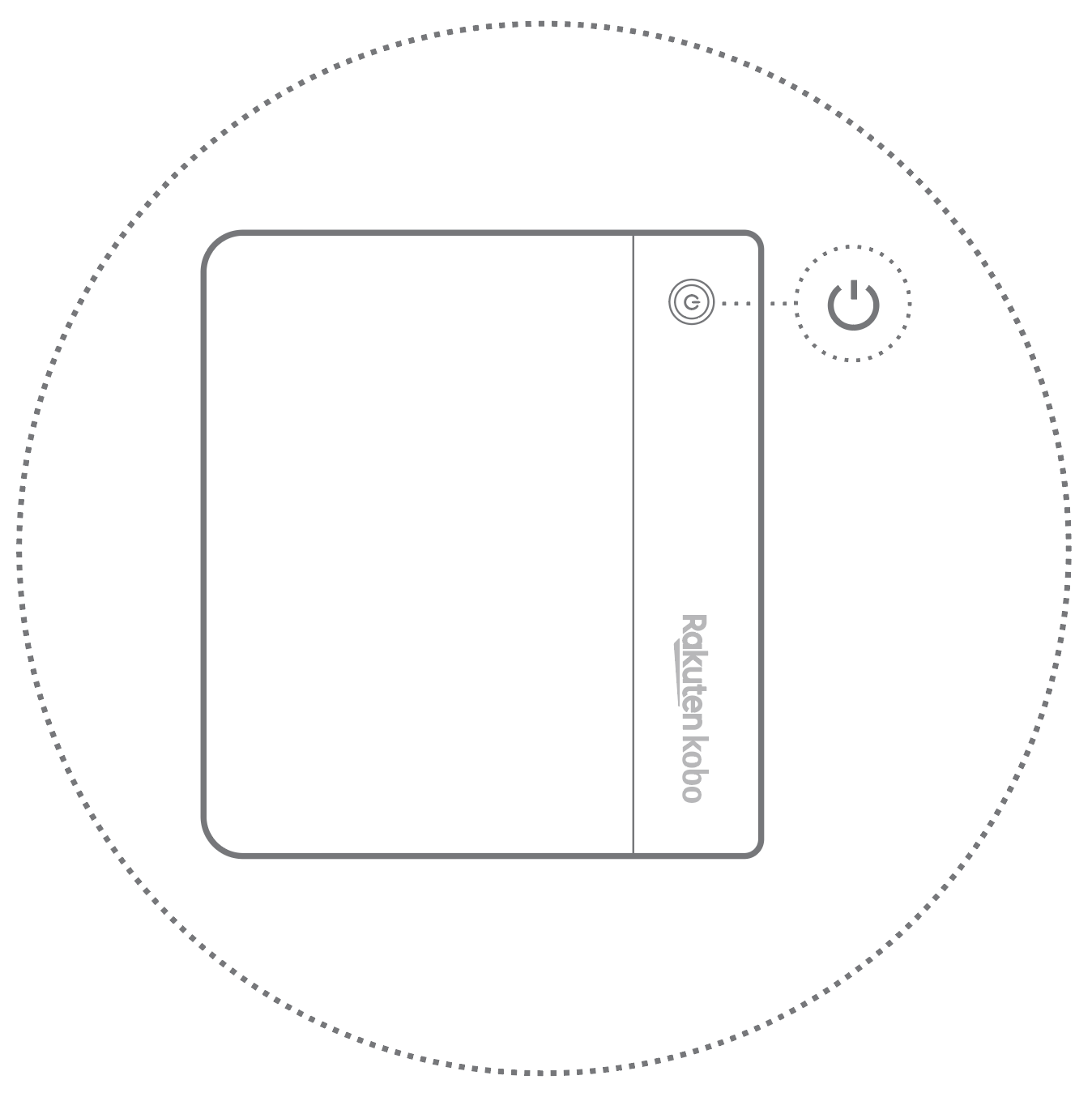
- Press and hold one of the page turn buttons.
- While holding the page turn button, press and hold the power button.
- Wait until the screen flashes and starts the reset process. It usually takes about 30-seconds for the eReader to start the reset process.
Set up your eReader
After you reset your eReader, set it up over Wi Fi or with the Kobo Desktop app on your computer.
Note: If you have issues setting up your Kobo eReader over Wi Fi, use the Kobo Desktop app to set up your eReader with your computer.